 Noodle Pets
How to check a children’s app in ten minutes
18 November 2026
An app being free, cheerful and rated 4+ tells you almost nothing about what happens once a child is inside it. Here is what to look at instead.
We make a children’s app, so treat this as interested advice. It is still the list we would use ourselves, and most of it is quicker than reading the reviews.
1. Read the privacy label before you install
On the App Store, scroll to App Privacy on the listing. It is the fastest signal there is.
“Data Not Collected” is what you want. “Data Used to Track You” on an app meant for a seven-year-old is a reason to close the tab. Developers fill this in themselves, so it is not a guarantee, but a developer who has declared tracking has told you something real.
2. Install it and play it yourself for five minutes
Before your child touches it. You are looking for how soon something interrupts you, and what it asks for when it does.
Count the seconds to the first advert, the first “rate us”, the first offer. An app that interrupts a stranger in the first two minutes will interrupt your child every day.
3. Find out how it makes money
Every free app is paid for somehow. There are only a few ways:
- Advertising. Your child is shown things by people you did not choose. In children’s games the ads are very often for other games with worse spending mechanics.
- One-off purchases. You pay once, you own it. The cleanest model.
- Consumable currency. Coins, gems, lives. Designed to run out. This is where children spend real money by accident.
- Subscription. Fine if you noticed signing up, not fine if your child did.
- Data. The app is free because your child is the product.
None of these is automatically wrong except the last. What matters is whether it is honest about which one it is.
4. Try to buy something
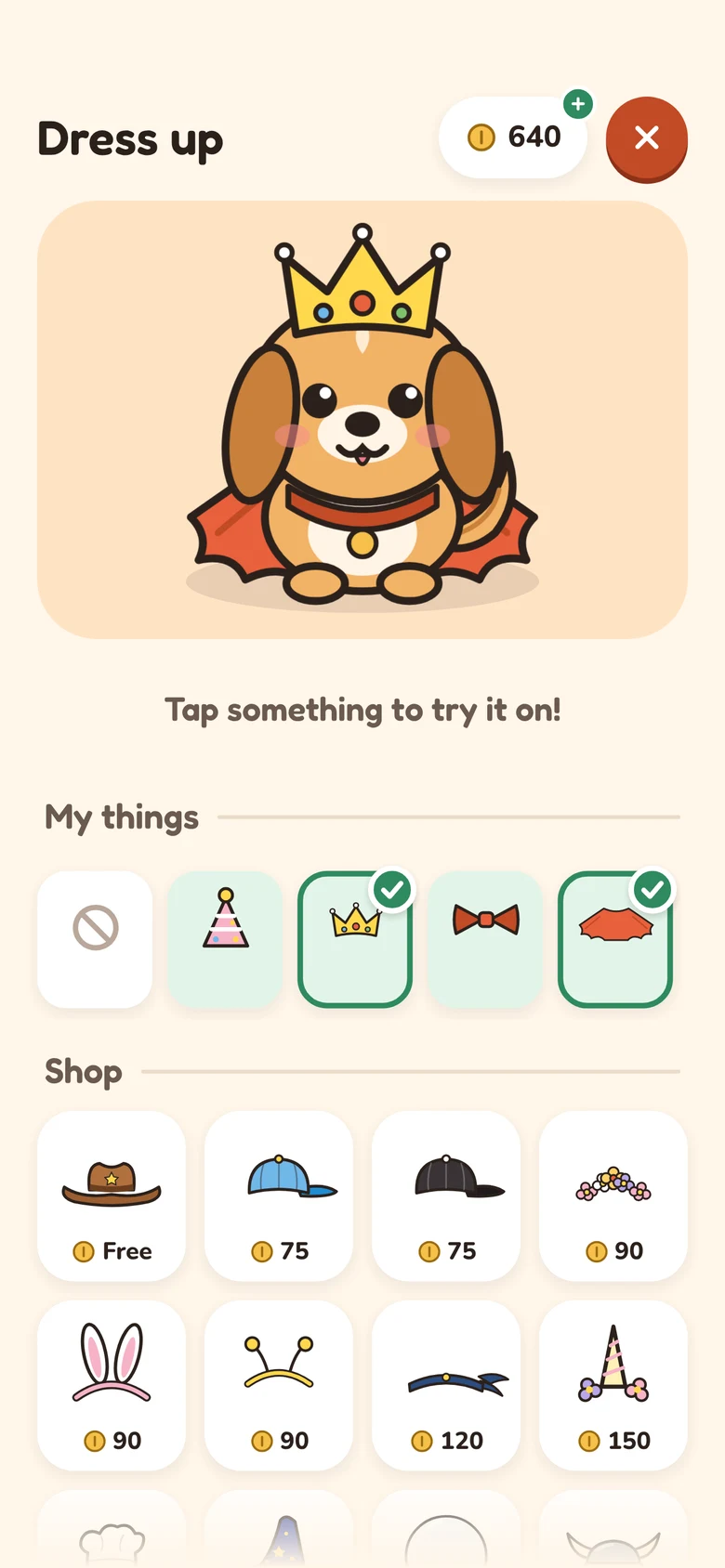
Go to the shop and tap the most expensive thing. Stop before you confirm.
What stood between you and spending money? If the answer is nothing, your child can spend money. An app aimed at young children should put something in the way that a young child cannot pass: a maths question, a date of birth, a long press with a written instruction.
“Are you sure?” is not a parental gate. A four-year-old is sure.
5. Look for the ways out
Tap everything that looks like a link, a web icon, or a “more games” button. In a well-made children’s app, every one of them is either absent or behind the same gate as the shop. A free web browser inside a toddler’s app is a genuine problem, and it is more common than it should be.
6. Check whether it can talk to anyone
Chat, comments, usernames other people can see, shared rooms, leaderboards with free-text names. Any of these means strangers can reach your child, and moderation is usually thinner than claimed.
For a young child the right amount of this is none.
7. Decide about notifications on day one
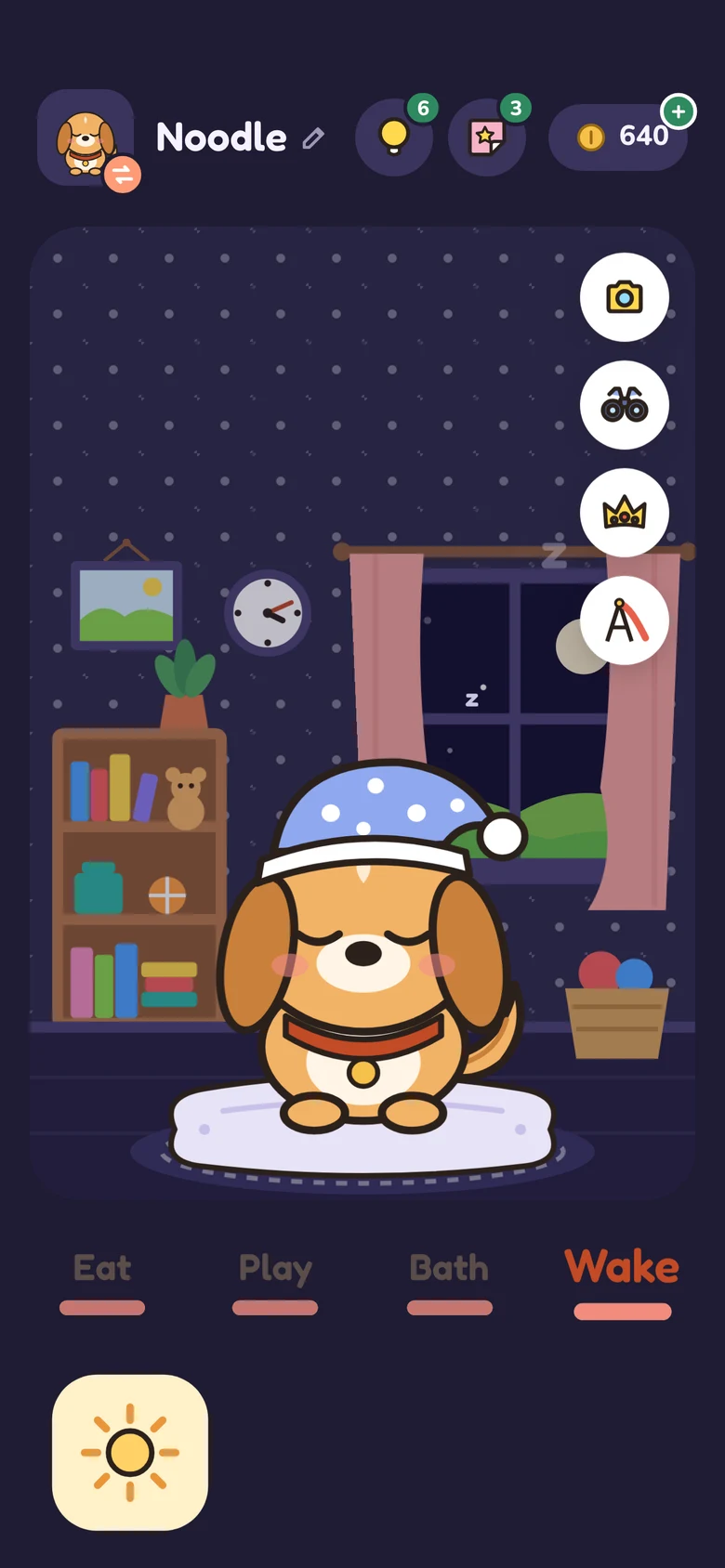
When it asks, think about what it will send. Reminders that the pet is hungry are part of the game. “Sale ends tonight!” is advertising delivered to your child’s lock screen.
Good apps keep those two things on separate switches. If they are bundled together, turn the lot off.
The short version
Install it, play it yourself for five minutes, try to buy something, and tap every link. If nothing interrupted you, nothing let you spend money without effort, and nothing led out of the app, it is probably fine.
That is ten minutes, once, and it catches nearly everything.
Noodle Pets is our virtual pet game for children aged four and up. Since the list above is the standard we set it against: no advertising, no analytics, no tracking, no chat, no accounts. Every purchase screen and every link out of the app sits behind a multiplication question. Care reminders and news are separate switches, and news is off until a grown-up turns it on.